

CAD Drawings and R&D Data Sluggish Across Sites? Still Relying on Manual Version and ECO Checks?
For manufacturers with overseas offices, multiple plants, or outsourced prototyping sites, 3D CAD assembly files, part files, 2D engineering drawings, BOMs, and engineering change documents are all core assets of product development. However, as enterprises expand and R&D and production are located in different regions (such as R&D in Taiwan and production overseas), relying solely on Windows shared folders, NAS, or standard VPN connections to transfer and manage large CAD files often leads to several common challenges:
- Slow access to large 3D models across sites: Overseas plants accessing 3D assembly models ranging from hundreds of MB to several GB through VPN connections may spend more than ten minutes just loading the files.
- Confusing drawing versions and file overwriting: Without Check-in / Check-out controls, engineers may accidentally overwrite parts modified by others or use outdated drawings for further modifications.
- Information gaps in Engineering Change Orders (ECO): When drawing changes are communicated only through email or messaging software, production lines and subcontractors may not receive the latest versions in time, resulting in scrapped trial-production parts.
- Inconsistency between BOMs and CAD data: E-BOMs generated by the design team often need to be manually transferred to Excel or ERP systems, which is time-consuming and prone to errors in part numbers and quantities.
Therefore, manufacturers operating across multiple sites need more than simply "putting CAD files in the cloud or on a server." They need a distributed PDM system equipped with Local Cache, complete CAD relationship management, version control, ECO workflows, and BOM management.
CIMer Distributed PDM: A Data Management Architecture for Cross-Regional R&D Collaboration
CIMer PDM is a Product Data Management platform designed specifically for R&D processes in the manufacturing industry. For multi-site, cross-border R&D and production collaboration, CIMer adopts a distributed architecture and local caching technology, allowing engineers at different plants to access CAD files with performance similar to local operations while ensuring that drawing data and versions remain fully synchronized between headquarters and branch sites.
The core purpose of the system is to establish standardized engineering data management processes, enabling R&D, document control, procurement, manufacturing engineering, and overseas plants to access accurate product data and change records under controlled permissions.
1. Cross-Site and Cross-Border Collaboration: Distributed Local Cache
Say Goodbye to Waiting for Large File Transfers Over Cross-Border VPN Connections
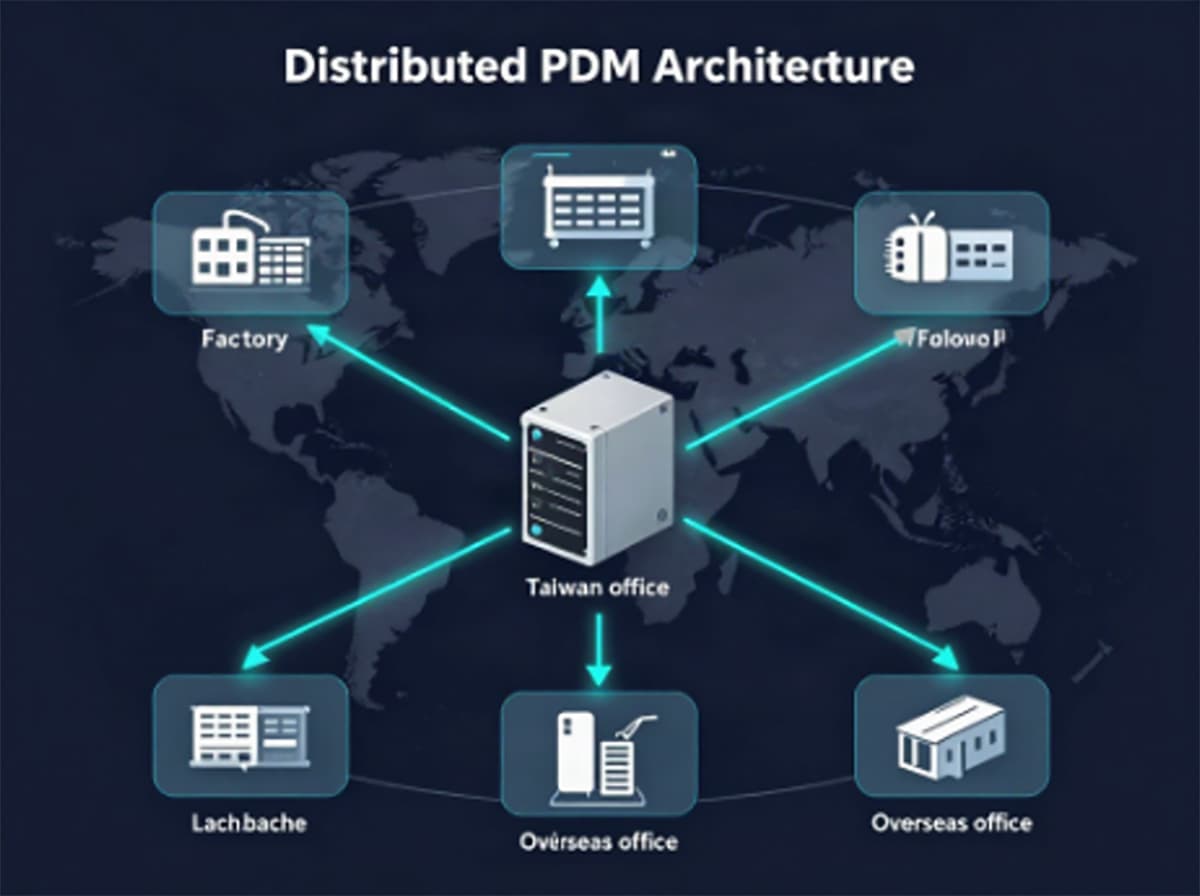
When accessing 3D CAD assembly files across countries or plants, CAD software frequently needs to retrieve hundreds of related parts when opening large models. Network latency can therefore result in extremely slow drawing loading times.
CIMer Distributed PDM addresses this issue through a Local Cache architecture:
- Local access, second-level drawing loading: Overseas plants or branch offices can establish local cache servers, allowing engineers to open and save drawings through the internal LAN without repeatedly downloading the entire model across countries.
- Background differential incremental synchronization: When headquarters or overseas sites release a new version, the system synchronizes only the changed file blocks in the background, reducing cross-border bandwidth usage and the risk of disconnection.
- Data consistency verification: When opening a drawing, the system automatically compares the local and server version status to ensure that engineers always access the latest controlled data.
2. CAD Drawing Relationships and Overwrite Prevention
Maintain 3D Reference Relationships and Prevent Overwriting During Multi-User Collaboration
3D CAD data typically contains complex parent-child relationships among assembly files, part files, and engineering drawings. When using only a standard file server, moving or renaming files can often result in "Reference Missing" errors.
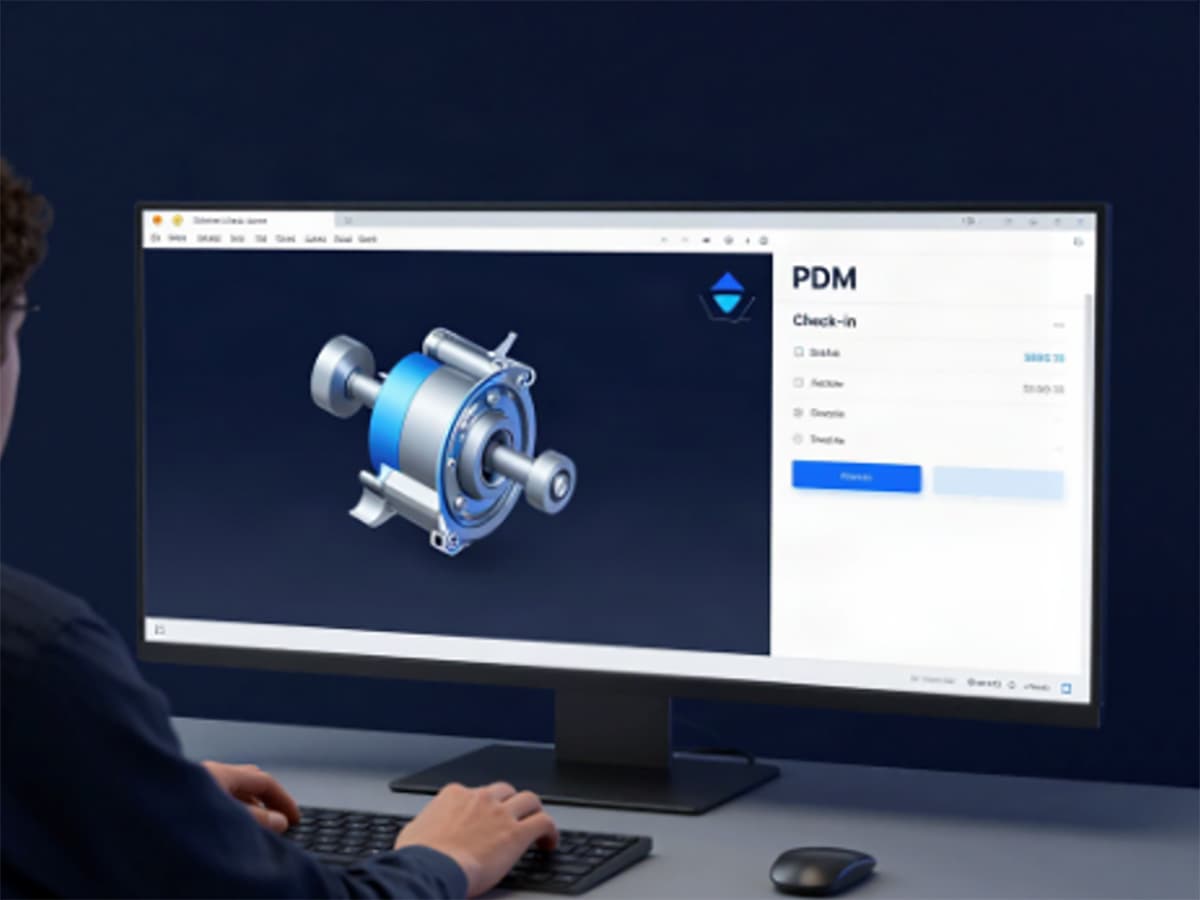
- Check-in / Check-out mechanism: When an engineer checks out a drawing file, the system automatically locks editing access. Other users can only view the file in "Read-Only" mode, completely preventing others from overwriting ongoing work.
- 3D CAD relationship tree tracking: Whether using SolidWorks, PTC Creo, Autodesk Inventor, or Siemens NX, the system can analyze and preserve assembly structures, preventing relationship loss when files are renamed or paths are moved.
- Support for large assembly collaboration: Different engineers can check out different subcomponents within an assembly and work on them simultaneously, with the complete structure merged during check-in.
3. Rigorous Drawing Version Control
No More Guessing Which Version the Production Floor Should Use
During product development and modification, drawings often go through multiple revisions:
Rev.A → Rev.B → Rev.C (Design Version) / Ver 1.0 → Ver 2.0 (Released Version)
CIMer PDM provides comprehensive lifecycle and version control mechanisms:
- Automatic revisioning and history records: Each check-in automatically generates a revision record, retaining the modifier, modification time, and change description.
- Lifecycle status transitions: Drawings are clearly classified as "In Design," "Under Review," "Released," or "Obsolete."
- Production error prevention: Non-R&D departments, such as production control, production floor personnel, and procurement, are only authorized to access the final "Released" drawings, eliminating the risk of using draft or outdated drawings for production.
4. ECO Engineering Change Management and Tracking
Ensure Every Engineering Change Can Be Traced from Initiation and Review to Release
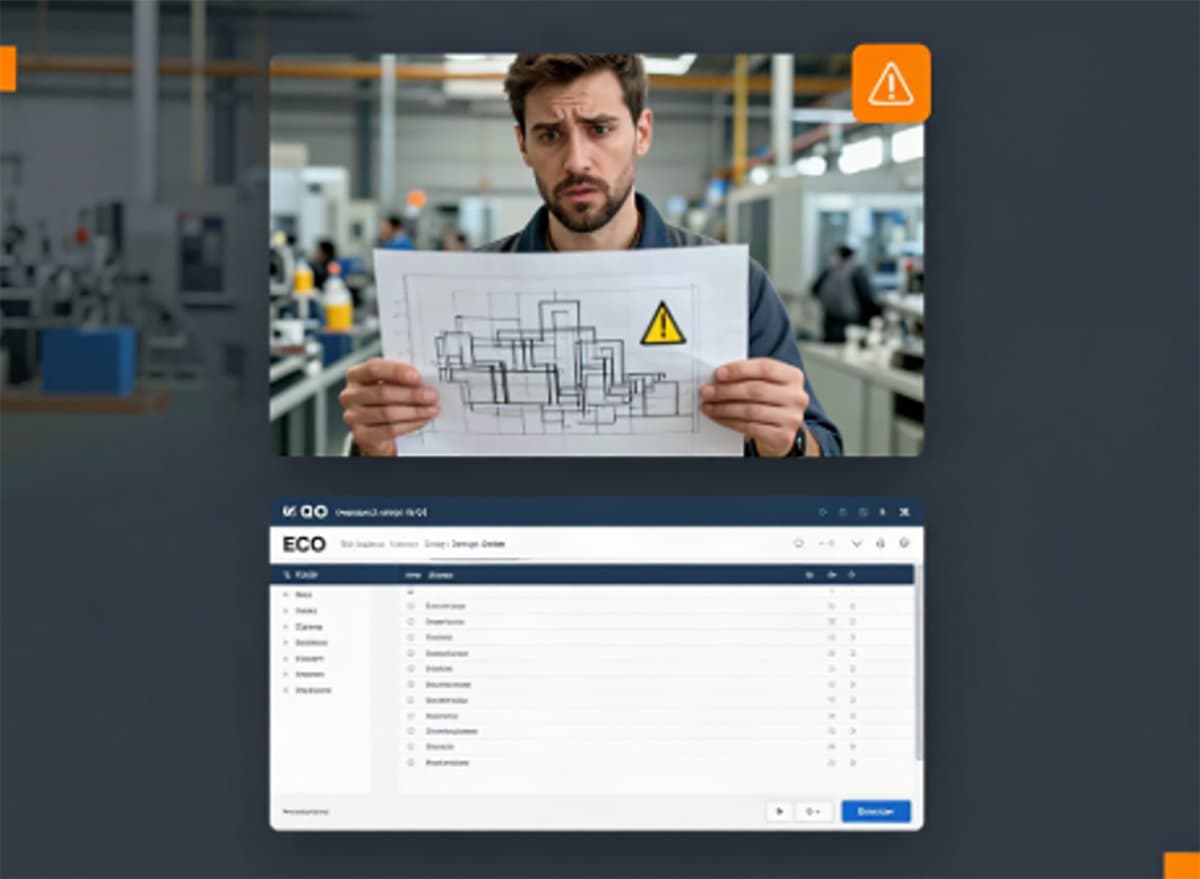
When design changes are communicated only through meetings or email, issues such as missed changes on the production floor, components not being discontinued, or the inability to trace the reasons for changes can easily occur.
- Standardized ECO approval workflow: The system provides built-in electronic approval workflows for Engineering Change Notices (ECN) and Engineering Change Requests / Orders (ECR/ECO).
- Change impact analysis (Where-Used): Before modifying a shared component, the system can instantly identify which assemblies and products reference the component, preventing unexpected downstream impacts.
- Linked drawings and release synchronization: After an ECO is approved, the system automatically synchronizes the revisions of affected drawings and BOMs and notifies relevant departments.
5. BOM Management and Design-to-Manufacturing Integration
Automatically Extract Accurate BOMs from CAD Structures and Reduce Manual Input Errors
Many factories still rely on engineers to manually export or copy material lists from CAD into Excel, after which production control personnel manually enter the data into ERP systems. This can easily result in incorrect or missing components.
- One-click E-BOM generation from CAD: The system automatically analyzes CAD component attributes, such as part name, specifications, material, and quantity, to generate an engineering BOM.
- BOM version comparison: Visual comparison functions clearly identify newly added, deleted, or modified part numbers and quantities between Rev.A and Rev.B.
- Integration with ERP / MES systems: Confirmed material data and Manufacturing BOM (M-BOM) structures can be connected to internal ERP systems, reducing repetitive manual data entry.
6. Deep Integration with Mainstream 3D CAD Systems
Complete Data Management Within the Familiar CAD Design Environment
One of the biggest concerns when implementing a new system is significantly changing engineers' existing workflows. CIMer PDM integrates closely with mainstream CAD software through dedicated integration packages:
- Support for mainstream CAD tools: SolidWorks, PTC Creo, Autodesk Inventor, Siemens NX, AutoCAD, and more.
- Engineers do not need to leave the CAD environment and can directly complete the following tasks from the work-side panel: file search, Check-out / Check-in, version verification, property entry, and approval submission.
7. Should Your Enterprise Choose PDM or PLM? Start with Your Actual Needs
When evaluating drawing data and process management, many enterprises find themselves choosing between "lightweight PDM" and "large-scale PLM." In fact, the two systems have different management focuses:
- Large-scale PLM systems: Cover extensive modules such as front-end market research, project management, regulatory certification, and after-sales maintenance. Implementation typically takes several months to more than a year, with high implementation and maintenance costs and complex customization requirements.
- CIMer PDM system: Focuses on solving the core data gaps between "R&D design and production manufacturing." It focuses on comprehensive management of drawings, CAD structures, versions, ECOs, and BOMs.
For manufacturers seeking to quickly improve cross-site collaboration efficiency, eliminate drawing file confusion, and reduce the risk of production errors, adopting PDM as the starting point for R&D data management offers a shorter implementation cycle, lower deployment barriers, and a clearer return on investment.
Conclusion | Building a Clear and Organized Cross-Regional R&D Data Workflow
R&D drawings and CAD data are among the most valuable intellectual property assets in the manufacturing industry. As enterprises expand across multiple sites, engineering teams grow, and drawing versions become increasingly complex, relying on traditional file servers and manual coordination will inevitably create bottlenecks.
With the CIMer Distributed PDM solution, enterprises can integrate the following without disrupting engineers' existing workflows:
CAD Files + Multi-Site Local Cache + Version Control + ECO Workflow + BOM + Access Control
These functions are integrated into a stable management system. This not only eliminates congestion when transferring large drawings between overseas sites but also ensures that every drawing sent to the production floor is accurate and up to date.
Evaluate Your R&D Data Management Environment
If your enterprise is currently facing any of the following situations:
- Overseas plants or outsourced manufacturers complain that CAD files take too long to open
- Still using Windows file servers or NAS to manage 3D CAD files, with frequent file overwriting issues
- The production line has experienced material or processing scrap due to outdated drawings or BOMs
- Engineering changes (ECOs) lack systematic records, making it difficult to trace the reasons afterward
- Currently evaluating a PDM solution suitable for deployment across medium- to large-sized R&D teams
Visit the CIMer Official Website to learn more about the CIMer Distributed PDM architecture and enterprise implementation cases, or schedule a consultation and system demonstration with a professional consultant.


